The Updates and Rollback system allows you to update the LGF framework and revert to previous versions using automatically created archives.
Overview
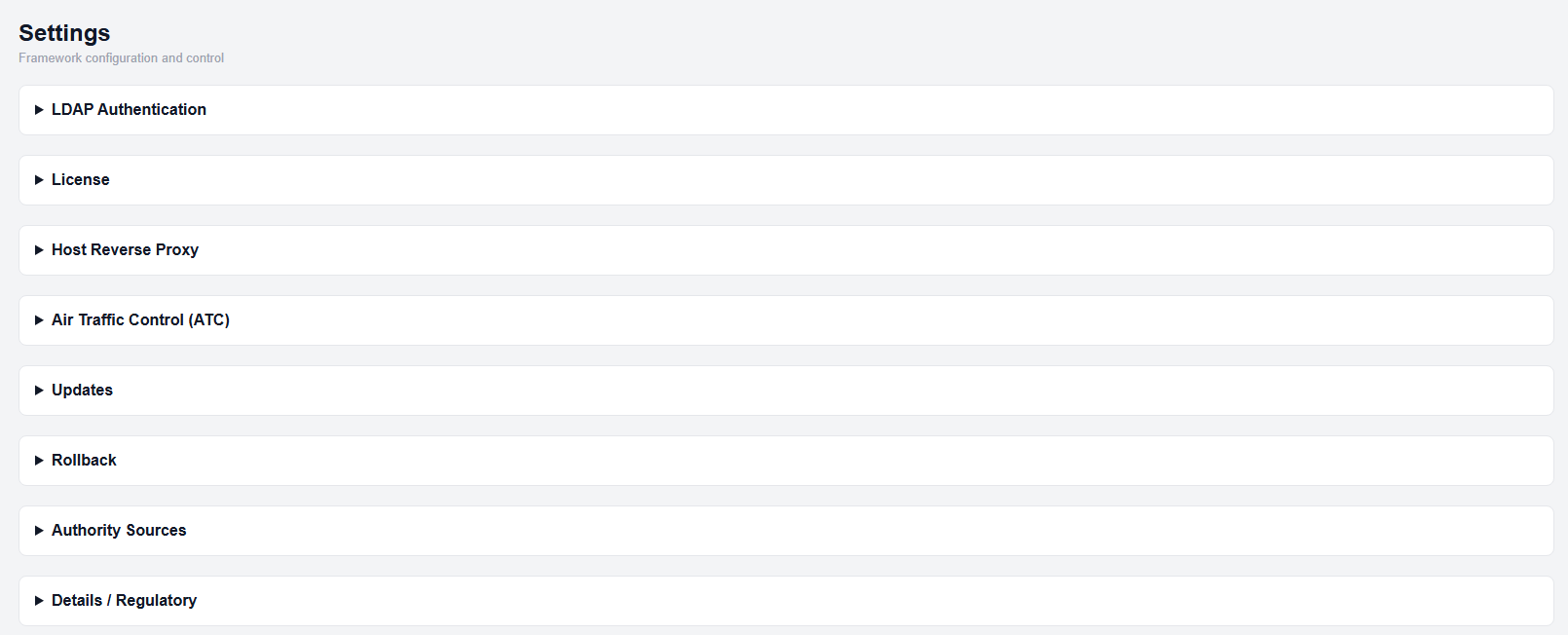
Settings page
Updating the Framework
- Open the Settings page.
- Expand the Updates section.
- Click Framework Update.
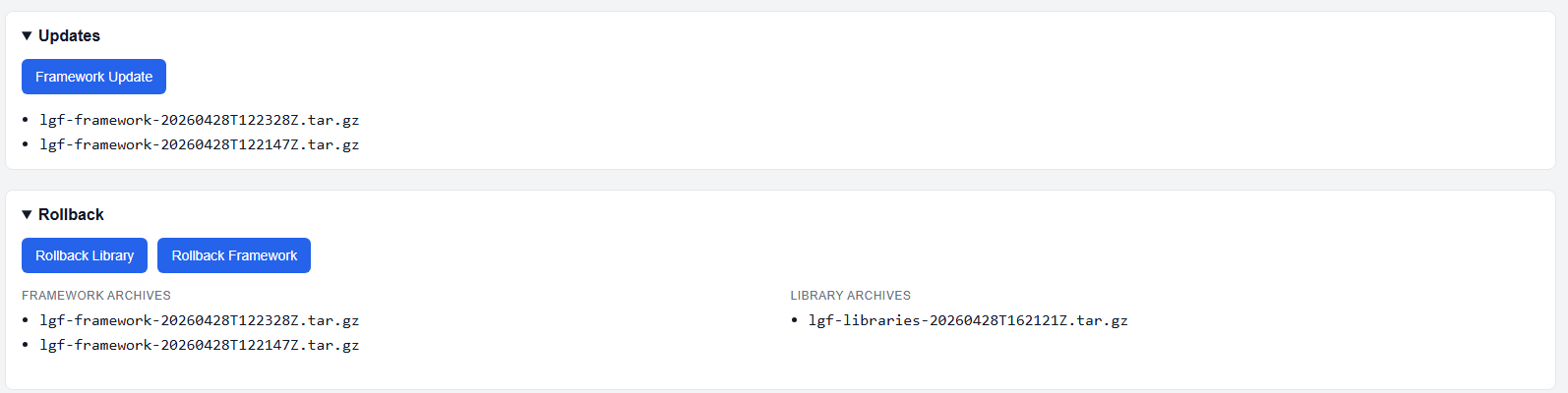
Updates section
When a framework update is performed, an archive of the previous version is automatically created.
Rollback
The Rollback section allows you to revert to a previous version of the framework.
- Expand the Rollback section.
- Review available framework archives.
- Click Rollback Framework.
Rollback uses the stored archive to restore a previous state.
Expected Result
- Framework update installs the latest approved version
- Previous versions are preserved as archives
- Rollback restores the framework from a selected archive
Important Notes
- Each update creates a new archive automatically
- Rollback restores the framework only
- Archives are required for rollback to be available