Create a new bench to deploy a platform workload on your LGF host. This process is fully managed through the Operator Console and enforces deterministic configuration and deployment.
Overview
The New Bench workflow allows you to:
- Select a platform (Frappe, Nextcloud, GitLab, etc.)
- Define a unique bench name
- Assign a network port
- Configure platform-specific advanced options
Step-by-Step Instructions
1. Open New Bench
From the Operator Console, click the + New Bench button.
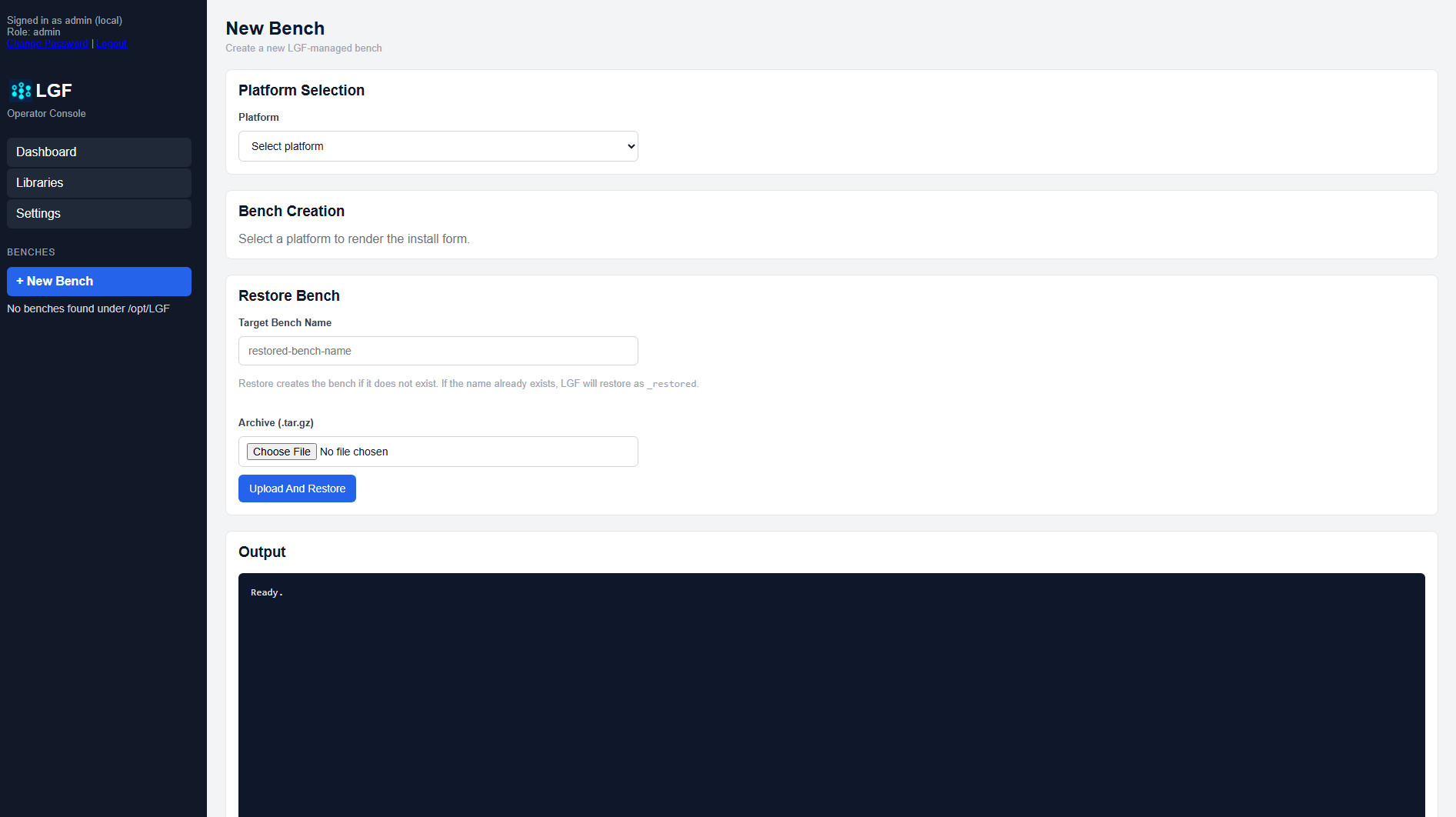
Blank New Bench form
2. Select Platform
Choose the platform you want to deploy from the Platform dropdown. This determines the available configuration options and deployment behavior.
3. Configure Bench Settings
- Bench Name: Enter a unique name for the bench. This will be used as the identifier across the system.
- Port: Assign a port or leave the default value. The system will automatically suggest the next available port.
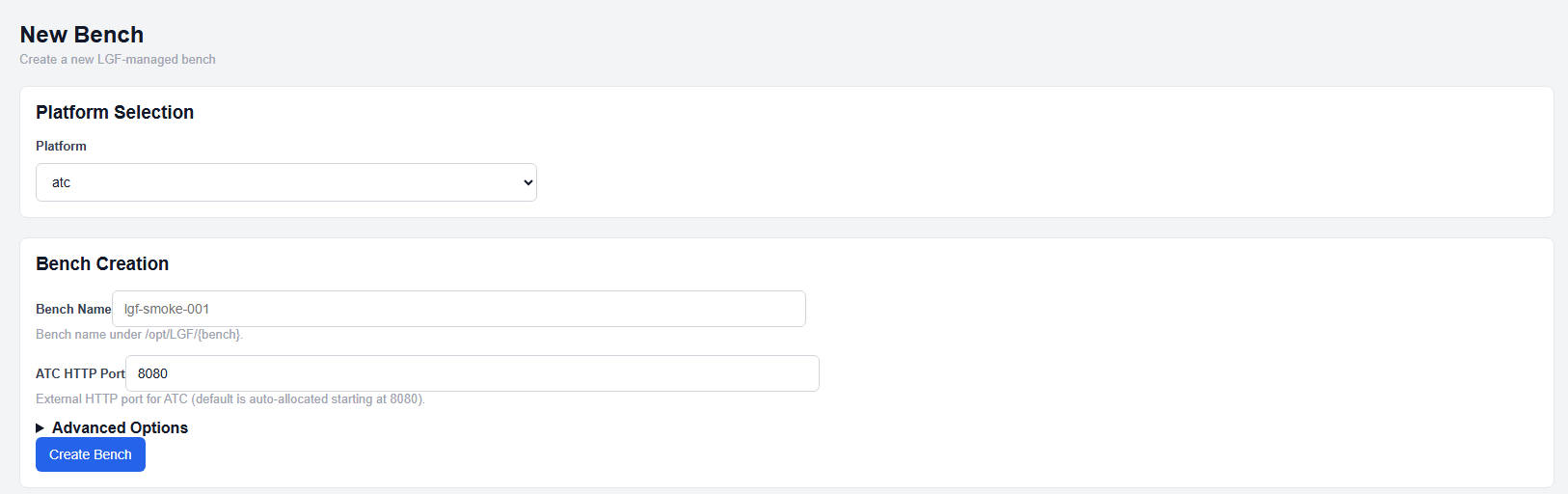
Bench creation section with advanced options collapsed
4. Configure Advanced Options (Optional)
Expand Advanced Options to configure platform-specific settings. These options vary depending on the selected platform and may include credentials, storage settings, or feature toggles.
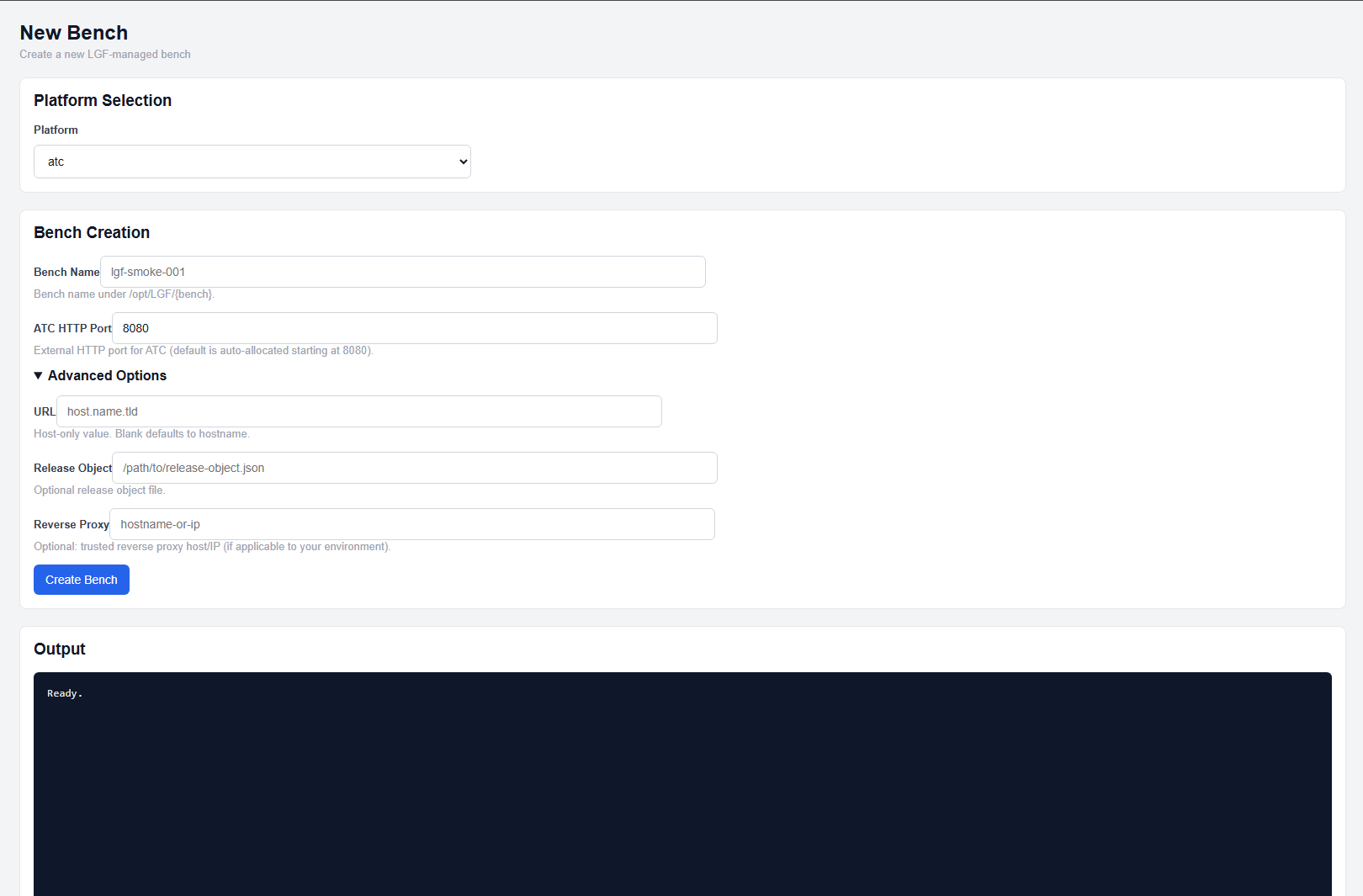
Advanced options expanded
5. Create Bench
Click the Create Bench button to begin deployment.
The system will:
- Validate configuration
- Acquire sources
- Render environment and compose configuration
- Deploy and initialize the platform
Reverse Proxy Behavior
Automatic Reverse Proxy Configuration:
If a domain is configured in system settings, LGF will automatically create a reverse proxy vhost on the host using the format:
<bench-name>.<domain>
This hostname must be resolvable:
- For internal hosts: add it to your local DNS
- For edge/public hosts: add it to your external DNS provider
Expected Result
- The bench enters a Building state
- Services are deployed and initialized
- The bench becomes accessible via:
- Assigned port, or
- Reverse proxy hostname (if configured)
Common Notes
- Bench names must be unique across the host
- Ports must not conflict with existing benches
- Advanced options are platform-specific and may be required depending on the deployment
Next Steps
- Use Bench Details to monitor status and manage the bench
- Generate a Support Bundle if troubleshooting is required
- Use Repair if drift or failure occurs