Why DNS matters
Domain joins and Kerberos depend on correct forward and reverse DNS. LGF uses its configured DNS mode for the framework-owned domain and can publish the host and service records needed by clients.
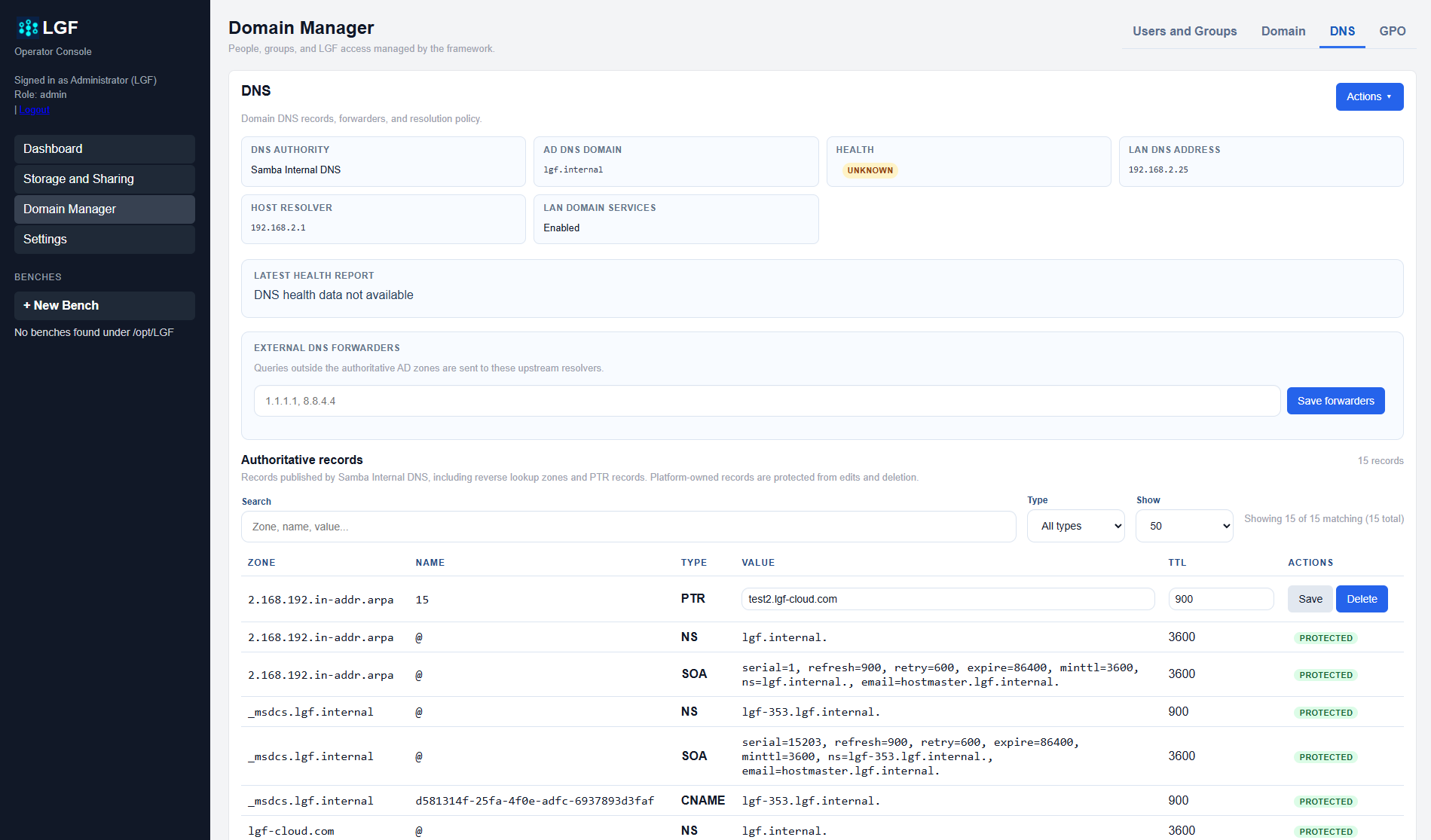
Review the DNS status before troubleshooting authentication. Confirm the domain apex, host record, and reverse zone match the host's actual address.
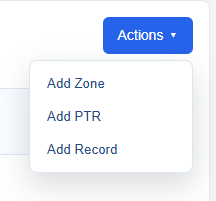
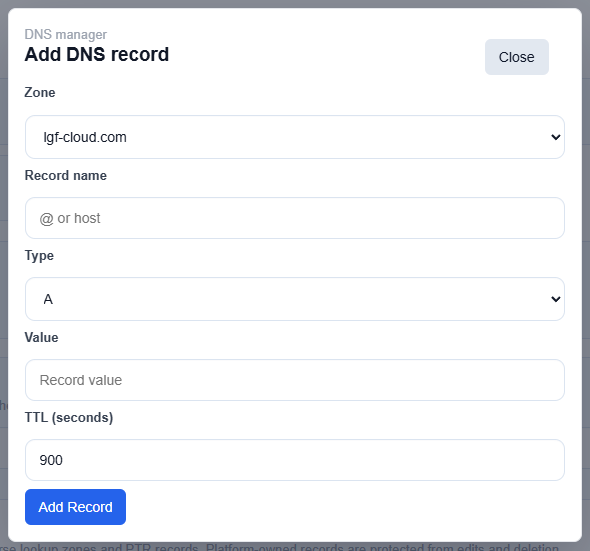
Hostnames and clients
Use the AD DNS hostname for joined clients and Windows shares. The host's .local name is discovery-only; it is not a substitute for the AD DNS hostname and should not be used for SMB or Kerberos configuration.
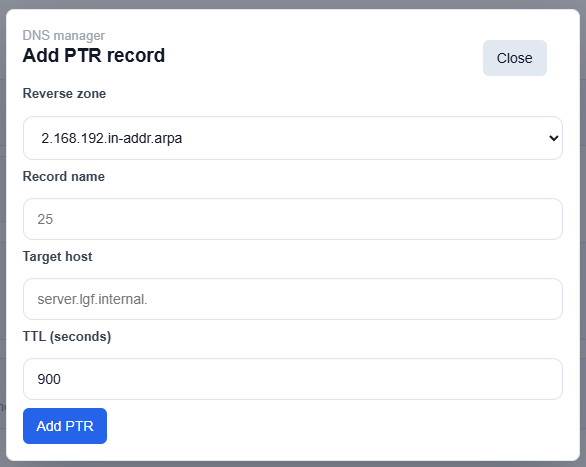
Troubleshooting checklist
- Confirm clients use the LGF or domain DNS server where appropriate.
- Confirm the host record resolves to the LAN address.
- Confirm reverse DNS resolves the LAN address back to the host name.
- Check that LAN Domain Services is enabled when a remote join is required.
- Use the DC IP address in the setup wizard when upstream DNS cannot locate the controller.