The LDAP / RBAC Configuration settings allow you to integrate external directory authentication and define role-based access control for the Operator Console.
Overview
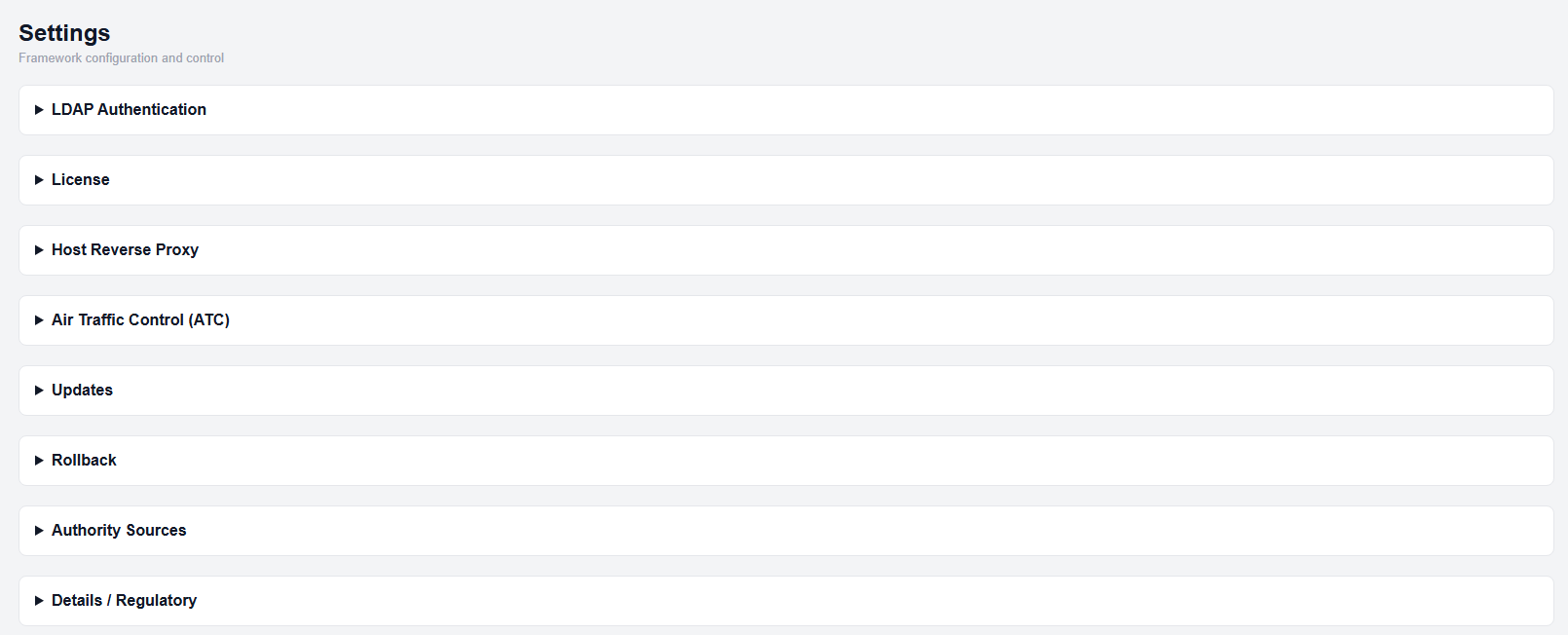
Settings page
This section controls:
- Authentication mode (Local, LDAP, or both)
- LDAP connection configuration
- User lookup and filtering
- Role-based access via LDAP groups
Accessing LDAP Settings
- Open the Settings page.
- Expand the LDAP Authentication section.
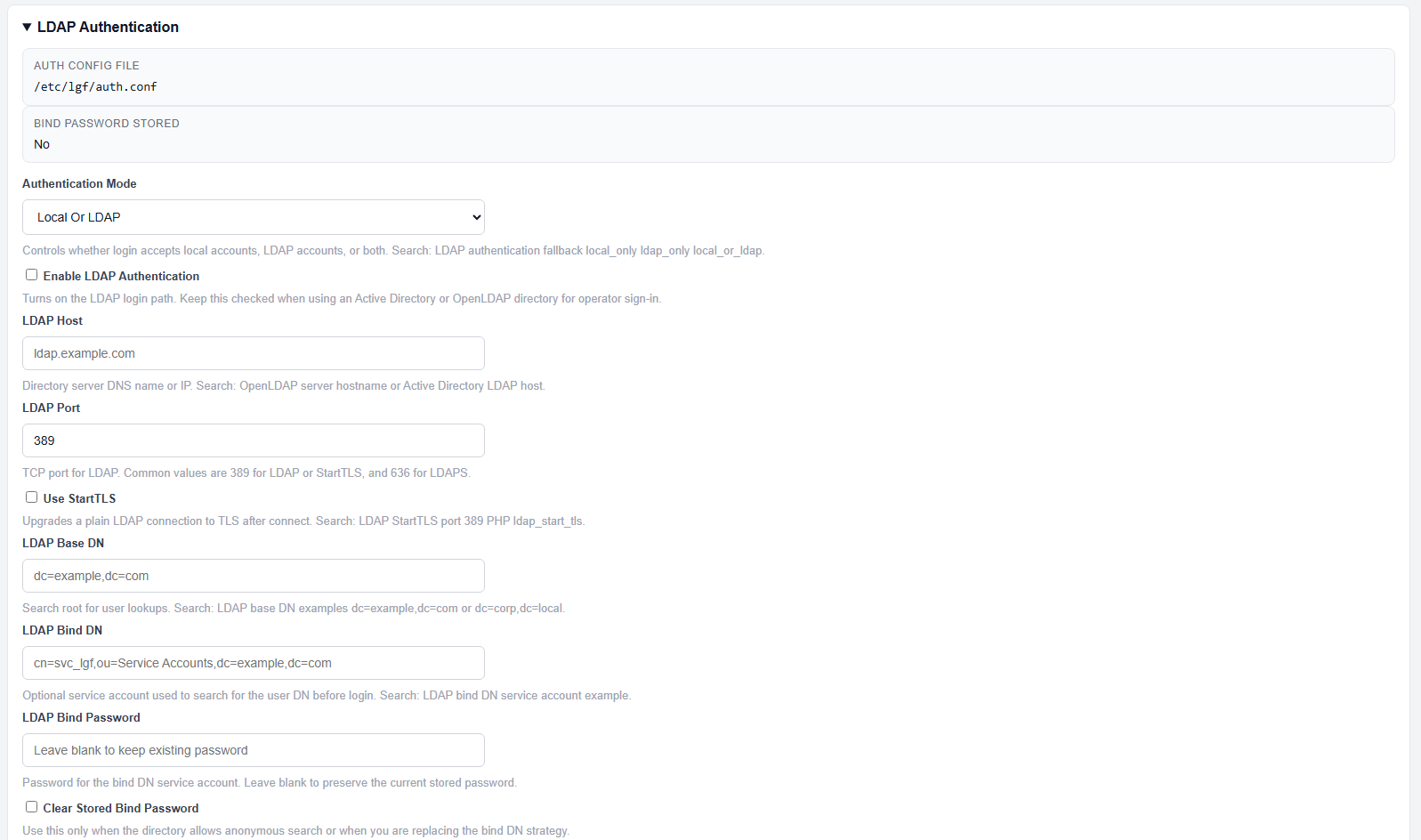
LDAP Authentication section expanded
Authentication Mode
Select how authentication is handled:
- Local Only — Only local accounts are allowed
- LDAP Only — Only LDAP users are allowed
- Local or LDAP — Both authentication methods are accepted
LDAP Connection Settings
- Enable LDAP Authentication — Enables LDAP login path
- LDAP Host — Directory server hostname or IP
- LDAP Port — Typically 389 (LDAP) or 636 (LDAPS)
- Use StartTLS — Upgrades connection to TLS after connect
- LDAP Base DN — Base directory for user search
Bind Configuration
- LDAP Bind DN — Service account used for directory queries
- LDAP Bind Password — Password for the bind account
- Clear Stored Bind Password — Removes stored credentials
User Lookup
- LDAP User Filter — Search filter used to locate users
This filter must include a %s placeholder for the username.
Role-Based Access Control (RBAC)
RBAC is controlled using LDAP group Distinguished Names (DNs).
- Required Group DN — User must be a member of this group to log in
- Observer Group DN — Read-only access (status, verify, verify operational)
- Operator Group DN — Standard operational access
- Admin Group DN — Full access, including destructive operations
Session Configuration
- Session Cookie Name — Defines the session cookie used by the Operator Console
Saving Configuration
- Enter all required LDAP and RBAC values
- Click Save LDAP Settings
Expected Result
- LDAP authentication is enabled (if configured)
- Users can log in based on selected authentication mode
- Access permissions are enforced based on group membership
Important Notes
- LDAP must be reachable from the host
- Incorrect Base DN or User Filter will prevent login
- Group DNs must match directory structure exactly
- Bind account must have permission to search users and groups