iSCSI targets
LGF can connect to an iSCSI target from the storage workflow. Provide the portal address, target IQN, and optional CHAP credentials, then connect the target. The host discovers the block device, logs in, persists the session for reboot, and rescans storage.
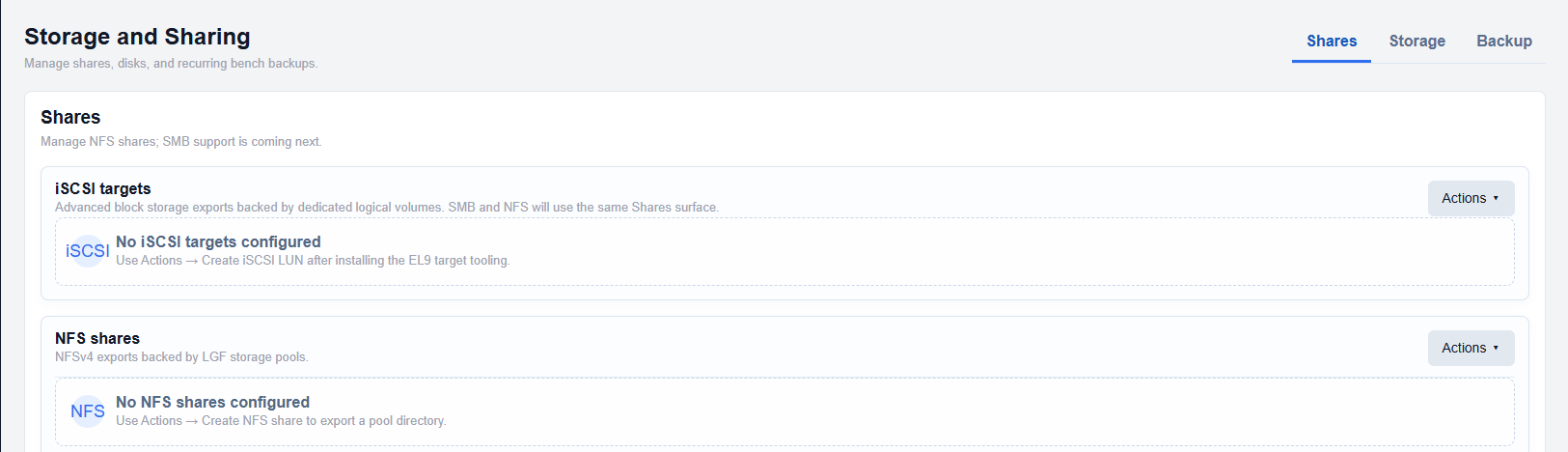
The portal should include the port when the target does not use the default iSCSI port, for example storage.example.com:3260. Copy the target IQN exactly as provided by the storage appliance.
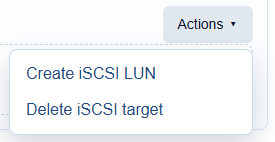
After connecting, verify the resulting disk in Storage before creating a pool or filesystem. Never format a device until you have confirmed that it is the intended target.
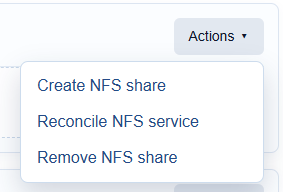
NFS shares
NFS exports are network filesystems rather than local block devices. Use the NFS workflow when you need to mount an existing export, and record the server, export path, mount path, and access mode. NFS is useful for shared files and backups; a pool-backed local filesystem is usually the better choice for a bench root or database data.
Troubleshooting
- Confirm that the storage server is reachable from the LGF host.
- Check firewall rules for iSCSI or NFS traffic.
- Verify the target IQN or export path exactly.
- Confirm that CHAP credentials match the target configuration.
- Rescan storage after changing a target or export.