The Host Groups page is used to organize registered hosts into logical groups. Groups allow you to filter hosts and manage infrastructure at a higher level.
Create a Host Group
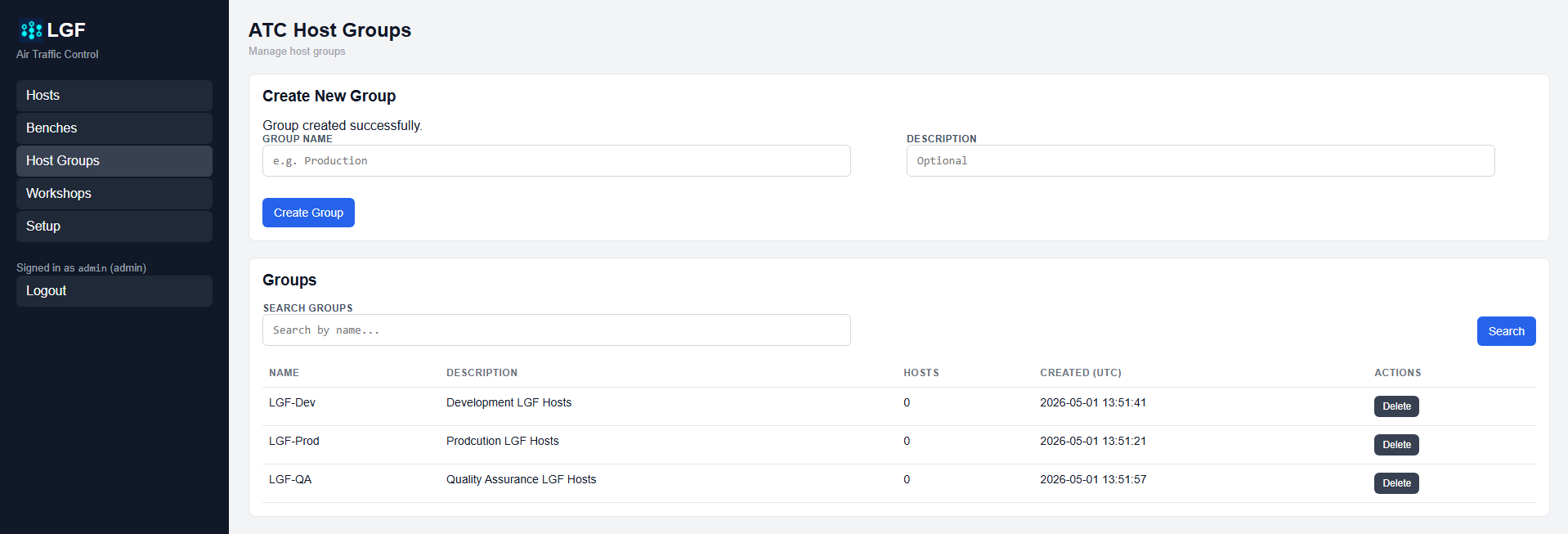
ATC Host Groups page
- Enter a Group Name.
- Optionally enter a Description.
- Click Create Group.
View and Search Groups
The Groups list shows all created host groups and includes:
- Name: Group name
- Description: Optional description
- Hosts: Number of hosts assigned to the group
- Created: Timestamp of group creation
Use the Search field to filter groups by name.
Delete a Host Group
- Click Delete next to the group you want to remove.
Expected Result
- Host groups can be created and listed.
- Groups can be searched by name.
- Hosts can be assigned to groups from the Hosts page.
- Groups can be deleted when no longer needed.