The Bench Lifecycle defines how LGF manages the full operational state of a bench, from startup to destruction. A bench is treated as the primary unit of operation, similar to a virtual machine.
Overview
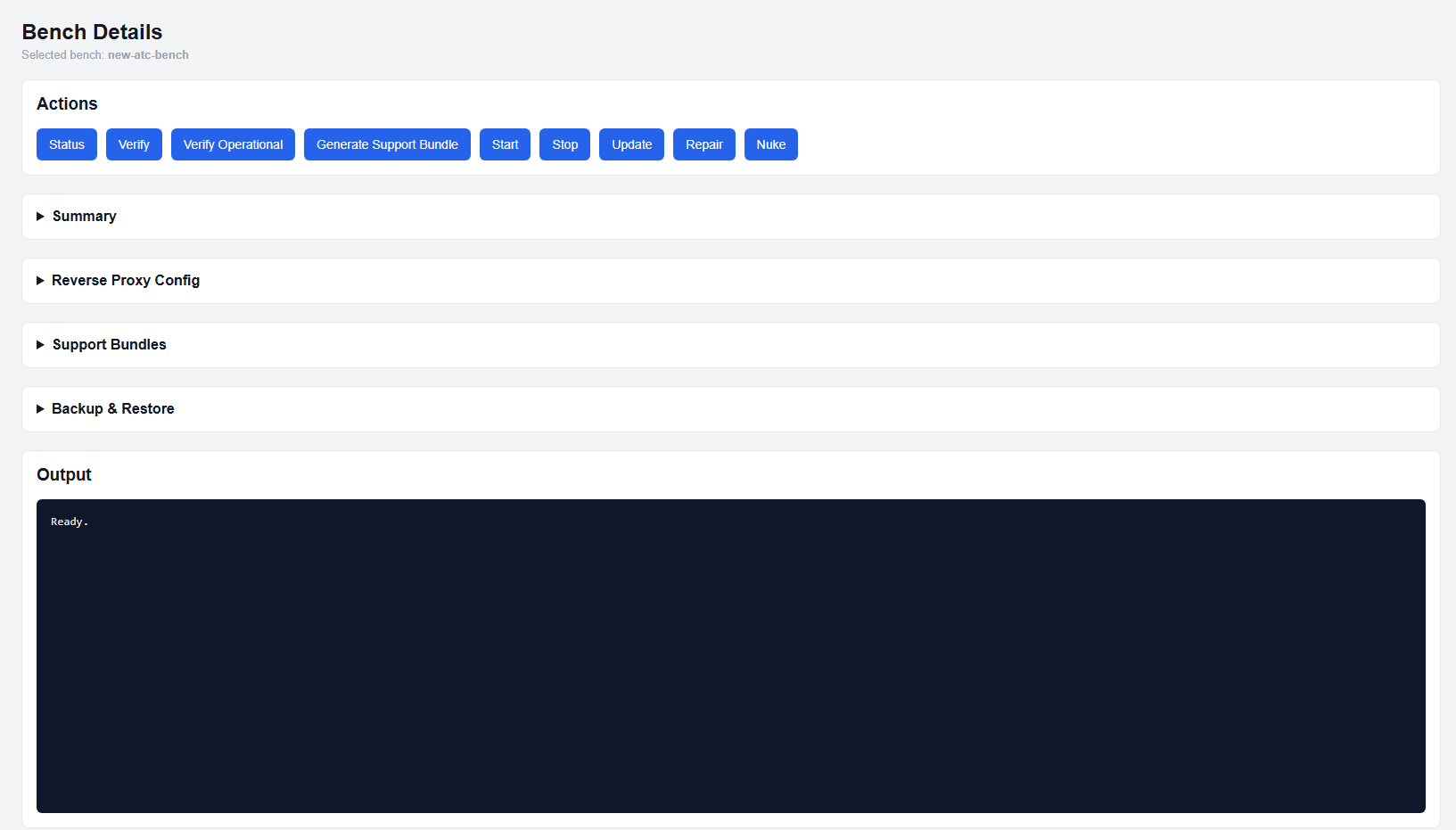
Bench Details page
Lifecycle management controls:
- Startup and shutdown of services
- State validation and enforcement
- Recovery and reconciliation
- Updates and platform changes
- Full destruction when required
LGF treats a bench as a complete system. All lifecycle operations act on the entire bench, not individual components.
Lifecycle Actions
Start
The Start action initializes the bench.
- Runs Verify before starting
- If Verify fails, the bench will refuse to start
- Starts networks, images, volumes, and container services
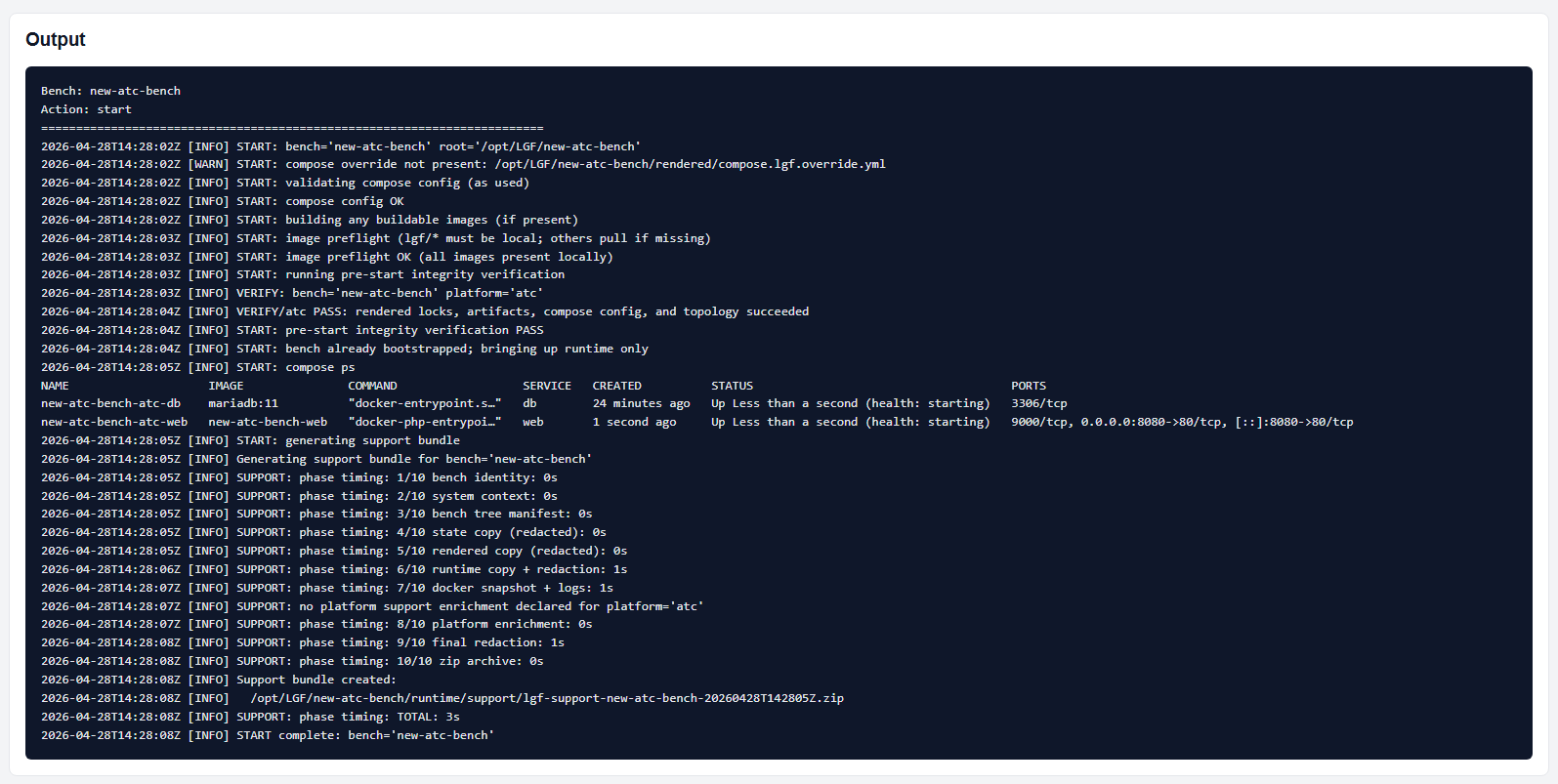
Start operation output
Stop
The Stop action halts the bench.
- Stops networks, images, volumes, and container services
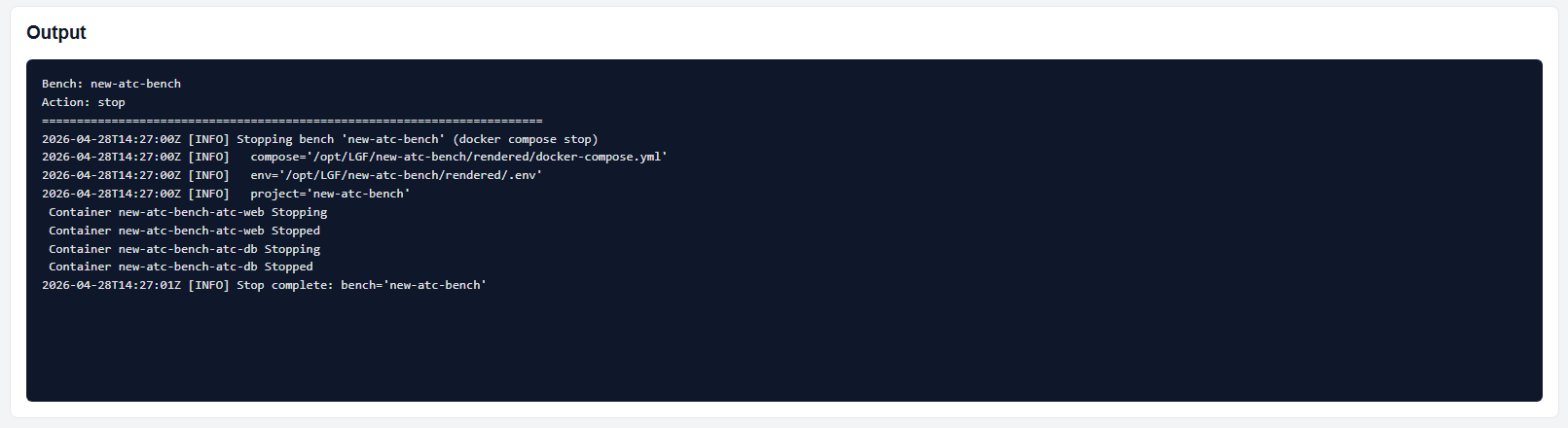
Stop operation output
Verify
The Verify action checks whether the bench configuration is valid and compliant.
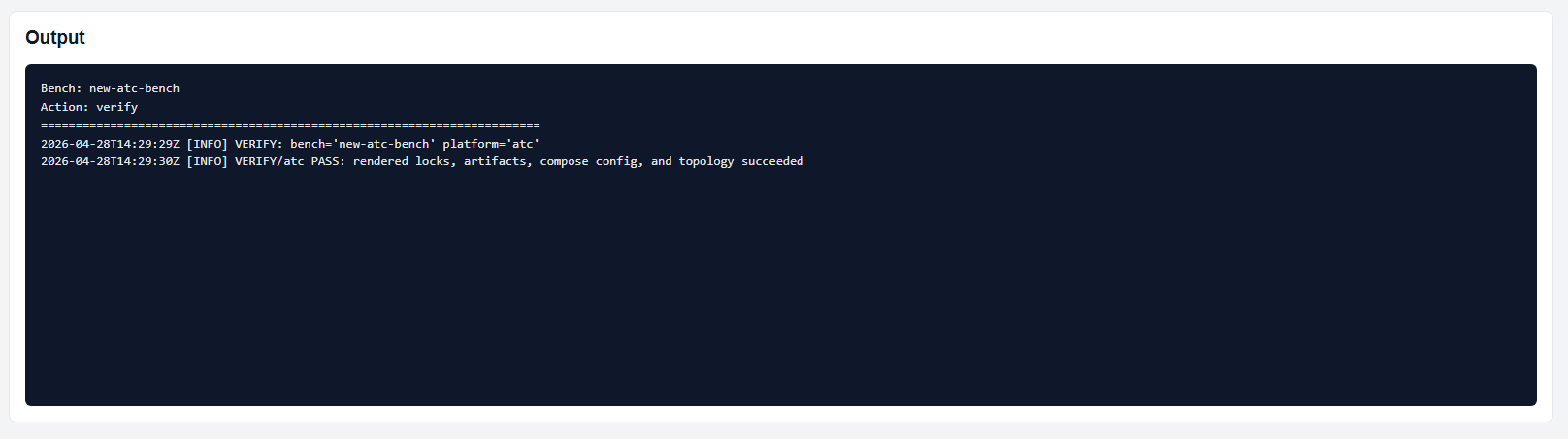
Verify output
Verify Operational
The Verify Operational action checks whether the bench is running and accessible.
Verify Operational output
Repair
The Repair action performs a reconciliation process to bring the bench back to the known-good state defined in the platform library.
- Used when Verify fails or the bench is not operational
Update
The Update action applies the latest approved platform and image updates.
- Updates platform sources
- Updates container images
Nuke
The Nuke action completely destroys the bench.
- Removes all data, configuration, and runtime state
- This action is irreversible
Warning: Nuke permanently deletes the bench. Ensure backups exist before proceeding.
Lifecycle Model
LGF treats a bench as a complete system lifecycle unit:
- Creation → Operation → Validation → Recovery → Destruction
All lifecycle actions operate at the bench level, not individual services.
Expected Behavior
- Start will refuse to run if Verify fails
- Repair restores the declared system state
- Update applies only authorized changes
- Nuke removes the bench entirely
Common Notes
- Verify is enforced before starting a bench
- Repair can be run multiple times until convergence
- Lifecycle operations are deterministic and controlled by the framework
Next Steps
- Use Repair for failure recovery
- Use Support Bundles for diagnostics
- Use Backup / Restore for data recovery scenarios