The Host Reverse Proxy setting defines the base domain used for automatic reverse proxy routing of benches on the host.
Overview
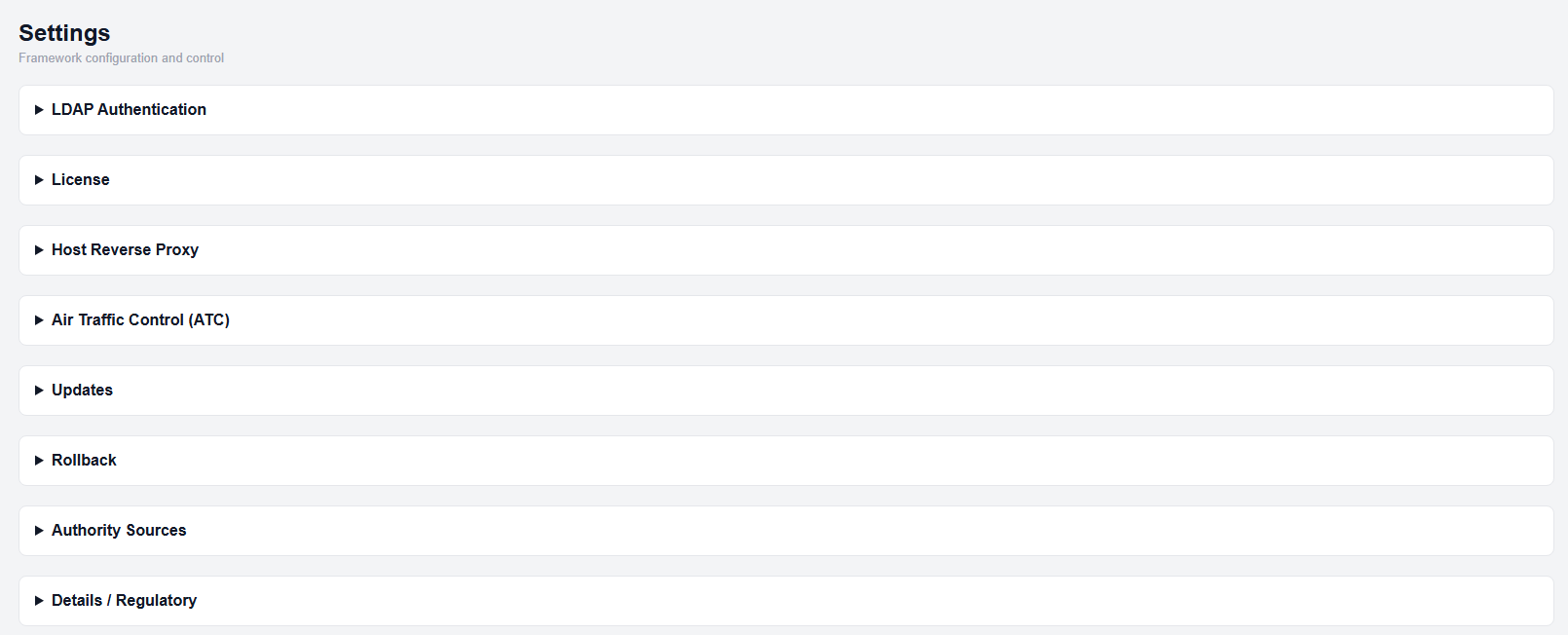
Settings page
This setting allows LGF to automatically generate reverse proxy hostnames for benches using a consistent domain format.
Configuring the Base Domain
- Open the Settings page.
- Expand the Host Reverse Proxy section.
- Enter your domain in Reverse Proxy Base Domain.
- Click Save Host Domain.

Host Reverse Proxy configuration
How It Works
When a bench is created and no external reverse proxy is specified in the bench's advanced options:
- LGF automatically creates a virtual host using the format:
<benchname>.<domain>DNS Requirements
The generated hostname must be resolvable:
- External access: Configure DNS with your domain registrar to point the hostname to the host
- Internal access: Add the hostname to your internal DNS system
Expected Result
- Benches are accessible using <benchname>.<domain>
- Reverse proxy routing is automatically handled by the host
Important Notes
- The base domain must be a valid domain you control
- DNS must be configured separately for hostname resolution
- If a reverse proxy is manually configured per bench, this behavior may not apply