The Repair function is the framework-controlled recovery mechanism used to restore a bench to a valid, operational state when drift, failure, or corruption is detected.
Overview
Repair operates deterministically using the bench's declared state and contracts. It is designed to:
- Reconcile configuration drift
- Re-render authoritative configuration
- Restore runtime topology
- Recover broken or partial deployments
Repair is not a generic "fix" — it enforces the intended state defined by the framework.
When to Use Repair
- Verify fails
- Bench refuses to start
- Services are running but non-functional
- After partial or interrupted deployment
Step-by-Step Instructions
1. Run Verify
Before running repair, execute Verify to confirm the failure condition and identify known issues.
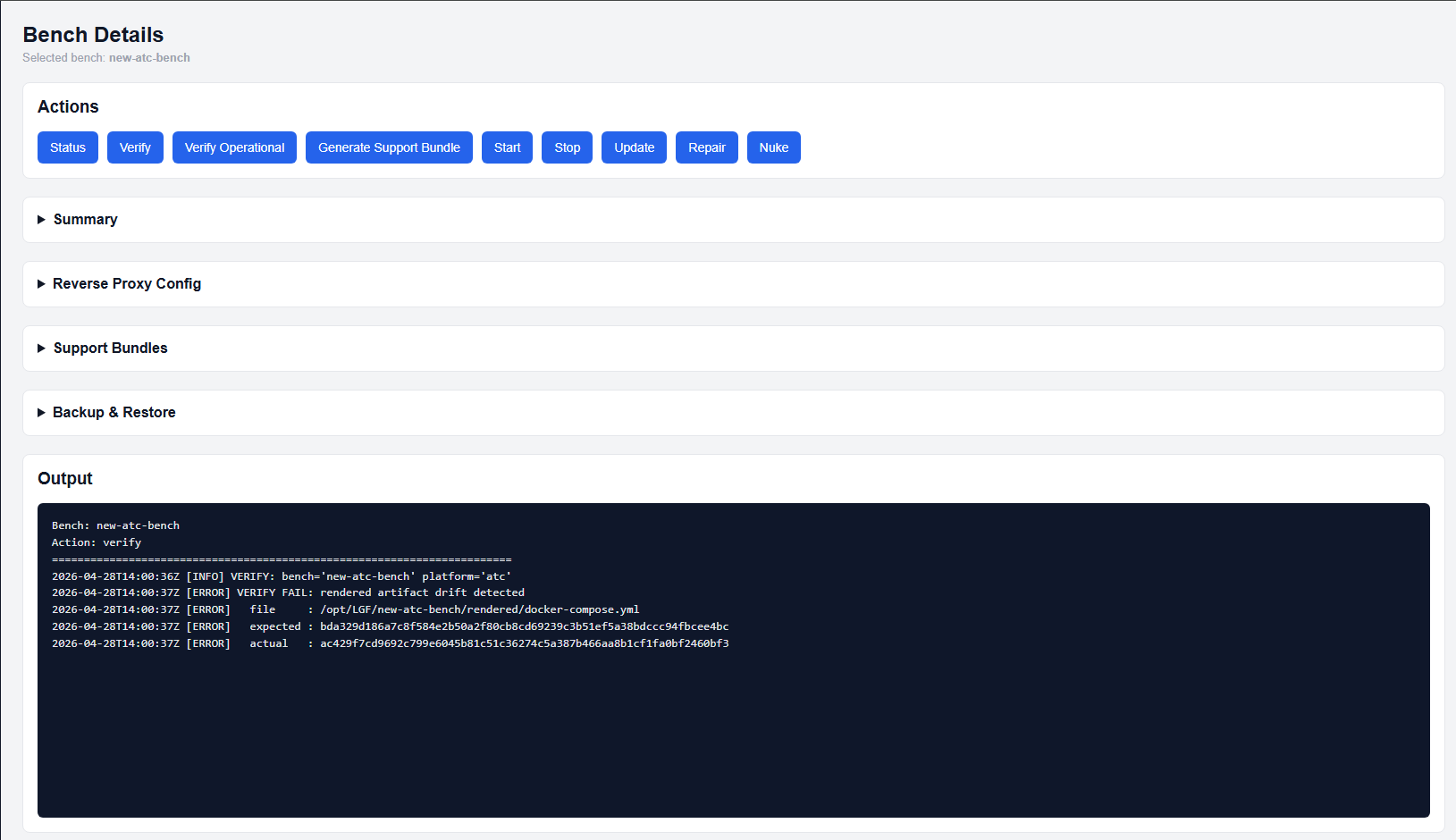
Example of a failed verify result
2. Run Repair
Click the Repair action from the Bench Details page.
This will initiate a framework-controlled recovery process.
3. Run Repair Again (Verification Pass)
After the first repair completes, run Repair a second time.
This second execution confirms that the system has converged to a valid state.
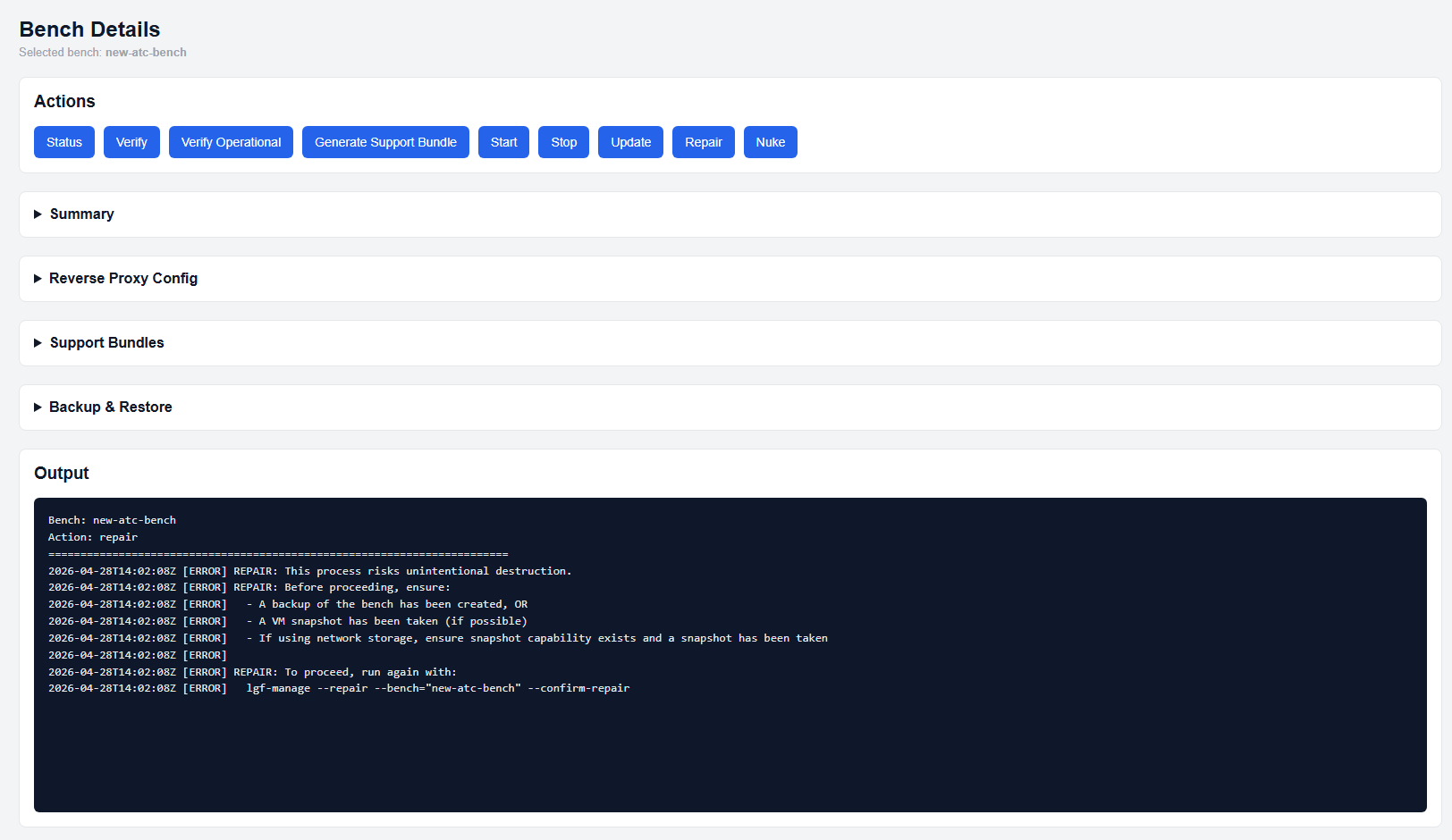
Repair may require a second run to verify convergence
4. Confirm Success
If repair succeeds, the bench will return to an operational state.
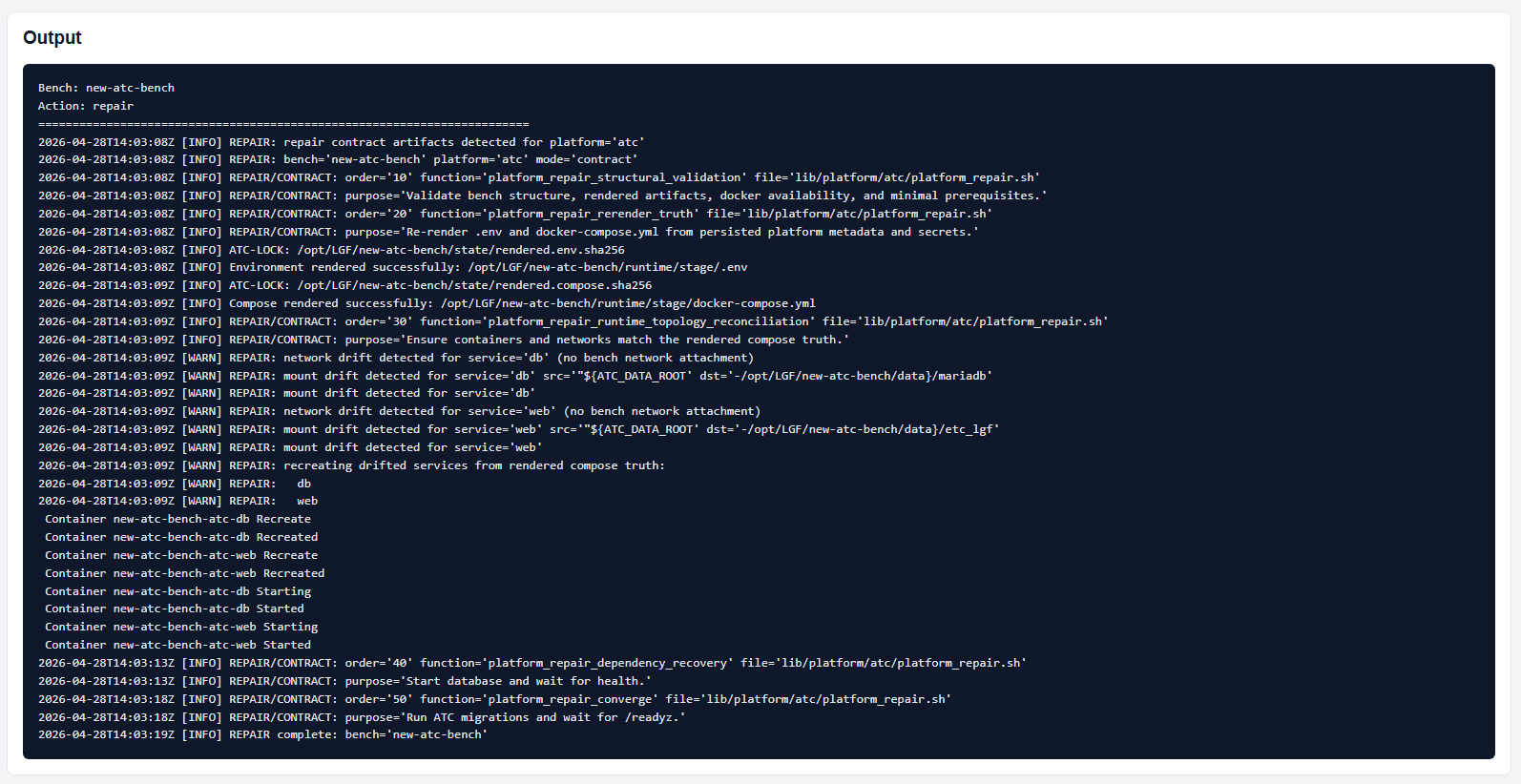
Example of a successful repair result
If Repair Fails
If the repair process does not restore the bench:
- Generate a Support Bundle
- Provide the bundle to your internal team or LGF support
This ensures diagnostics are based on actual system state rather than assumptions.
Expected Behavior
- First repair pass may perform corrective actions
- Second repair pass validates convergence
- No changes on second pass indicates a stable system
Important Notes
- Repair enforces the declared system state — manual changes outside the framework may be reverted
- Repair is safe to run multiple times
- Repeated failure indicates a deeper issue requiring investigation
Recommended Workflow
- Run Verify
- Run Repair
- Run Repair again
- If still failing → generate Support Bundle
Next Steps
- Use Support Bundles for escalation and diagnostics
- Review Bench Details for configuration issues
- Consider Nuke only for intentional rebuild scenarios