The Support Bundle system provides a standardized way to collect diagnostics, logs, and configuration state for a bench. These bundles are used for troubleshooting, escalation, and validation.
Overview
Support bundles capture the current state of a bench at the time of generation. They are designed to:
- Provide complete diagnostic context
- Enable reproducible troubleshooting
- Support internal or LGF escalation workflows
Accessing Support Bundles
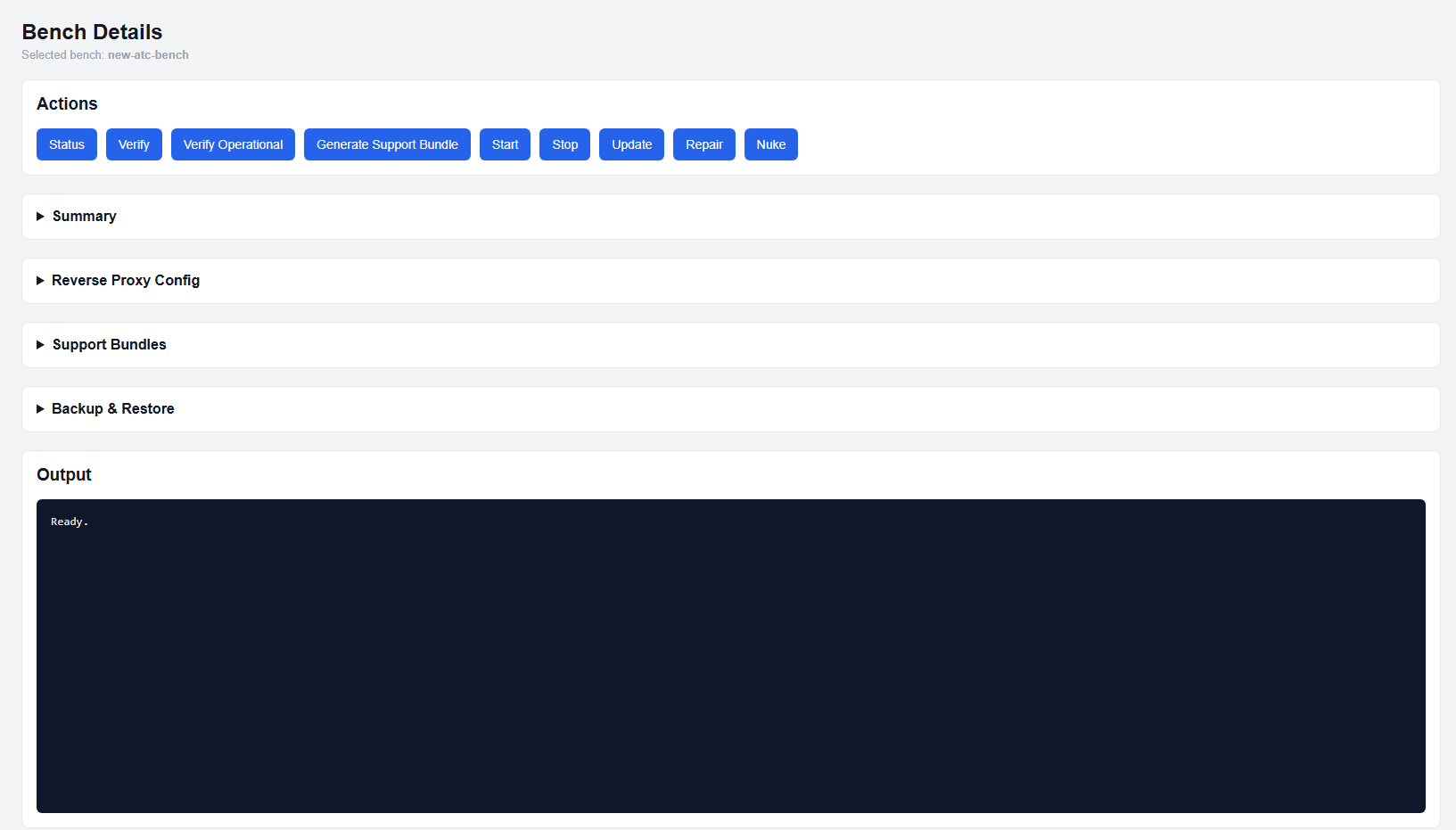
Bench Details page
Support bundles are accessed from the Bench Details page.
Step-by-Step Instructions
1. Generate Support Bundle
Click the Generate Support Bundle action at the top of the Bench Details page.
This will begin creating a diagnostic package for the current bench.
2. Expand Support Bundles Section
Scroll down and expand the Support Bundles section.

Support Bundles section expanded
3. Download Support Bundle
Locate the generated bundle in the list and click Download.
The file will be downloaded to your local system for analysis or sharing.
What's Included
- Rendered configuration state
- Environment variables (.env)
- Docker Compose configuration
- Service logs
- Runtime diagnostics
When to Use Support Bundles
- After a failed Verify or Repair
- When a bench is not behaving as expected
- Before escalating to LGF or internal support teams
Important Notes
- Support bundles reflect the exact state at the time of generation
- Always generate a new bundle after changes or repair attempts
- Bundles may contain sensitive configuration data — handle appropriately
Recommended Workflow
- Run Verify
- Run Repair if needed
- Generate Support Bundle
- Download and provide to support or internal team
Next Steps
- Use Repair for automated recovery attempts
- Review Bench Details for configuration visibility
- Escalate with support bundle if issues persist