The Library Sync function updates the platform libraries used by LGF and maintains archive versions for rollback.
Overview
Libraries define the available platforms and their deployment behavior. Keeping libraries in sync ensures access to the latest approved platform definitions.
Accessing Libraries
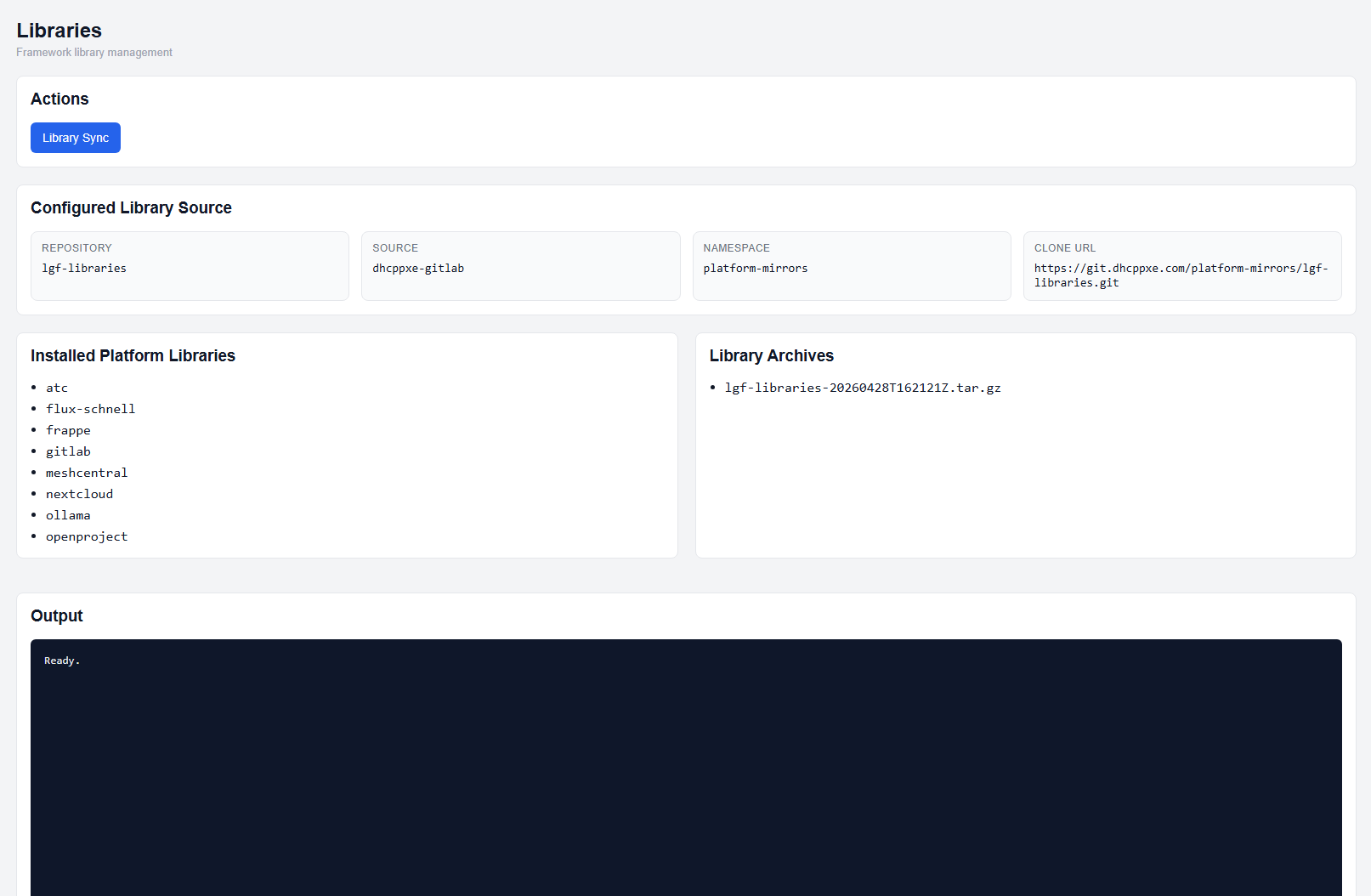
Libraries page
The Libraries page provides:
- Library sync actions
- Configured library source information
- Installed platform libraries
- Library archive history
Running Library Sync
- Open the Libraries page.
- Click Library Sync.
This will update the platform libraries from the configured source.
Library Archives
Each library sync creates an archive of the previous library state.
- Archives are listed under Library Archives
- These archives are used for rollback operations
Rollback Libraries
Library rollback is performed from the Settings → Rollback section.
- Open the Settings page
- Expand Rollback
- Click Rollback Library
Expected Result
- Libraries are updated to the latest approved version
- Installed platforms reflect the updated library state
- Previous versions are preserved as archives
Important Notes
- Library Sync does not modify existing benches directly
- Rollback restores previous library definitions
- Library changes affect future deployments and updates