The Authority Sources configuration defines which external repositories LGF is allowed to use for framework and library operations. This acts as the trust boundary for all source acquisition.
Overview
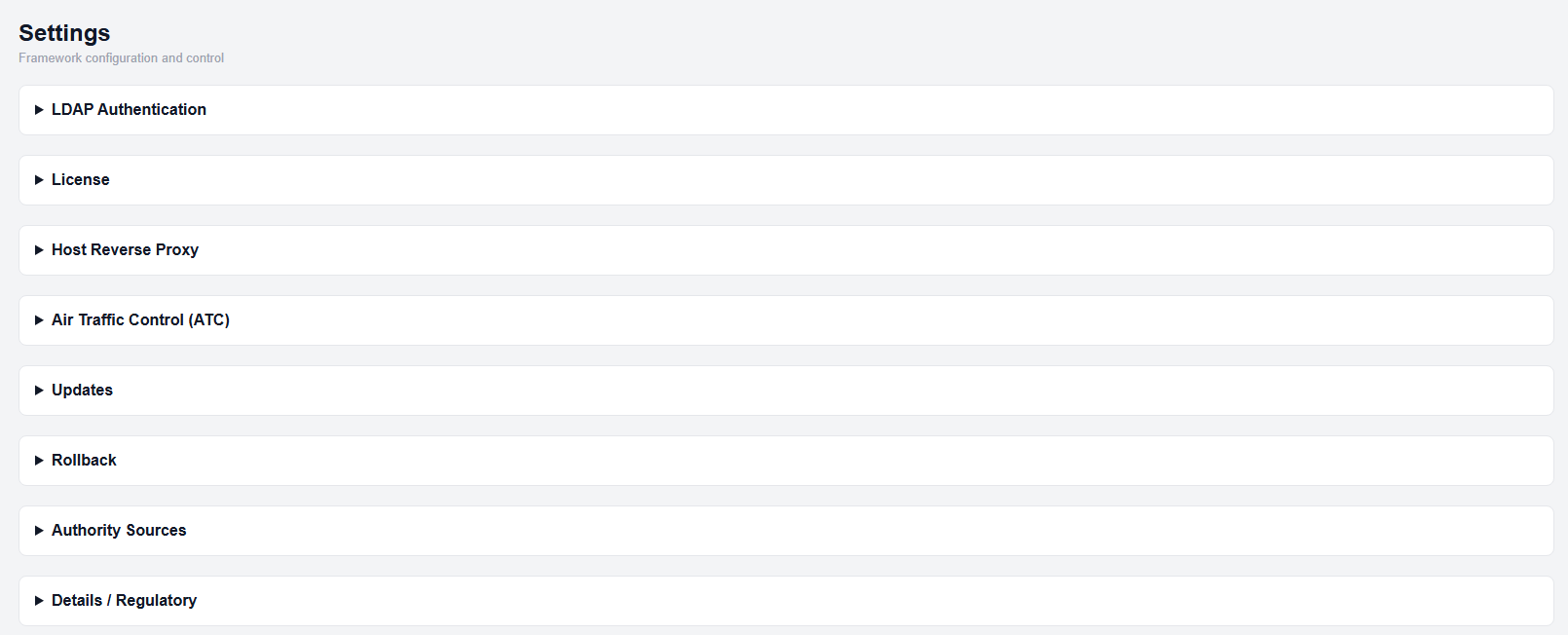
Settings page
Authority Sources control:
- Which hosts are trusted
- Which namespaces are allowed
- Which repositories can be used
- Which repository is designated as the library source
Accessing Authority Sources
- Open the Settings page.
- Expand the Authority Sources section.
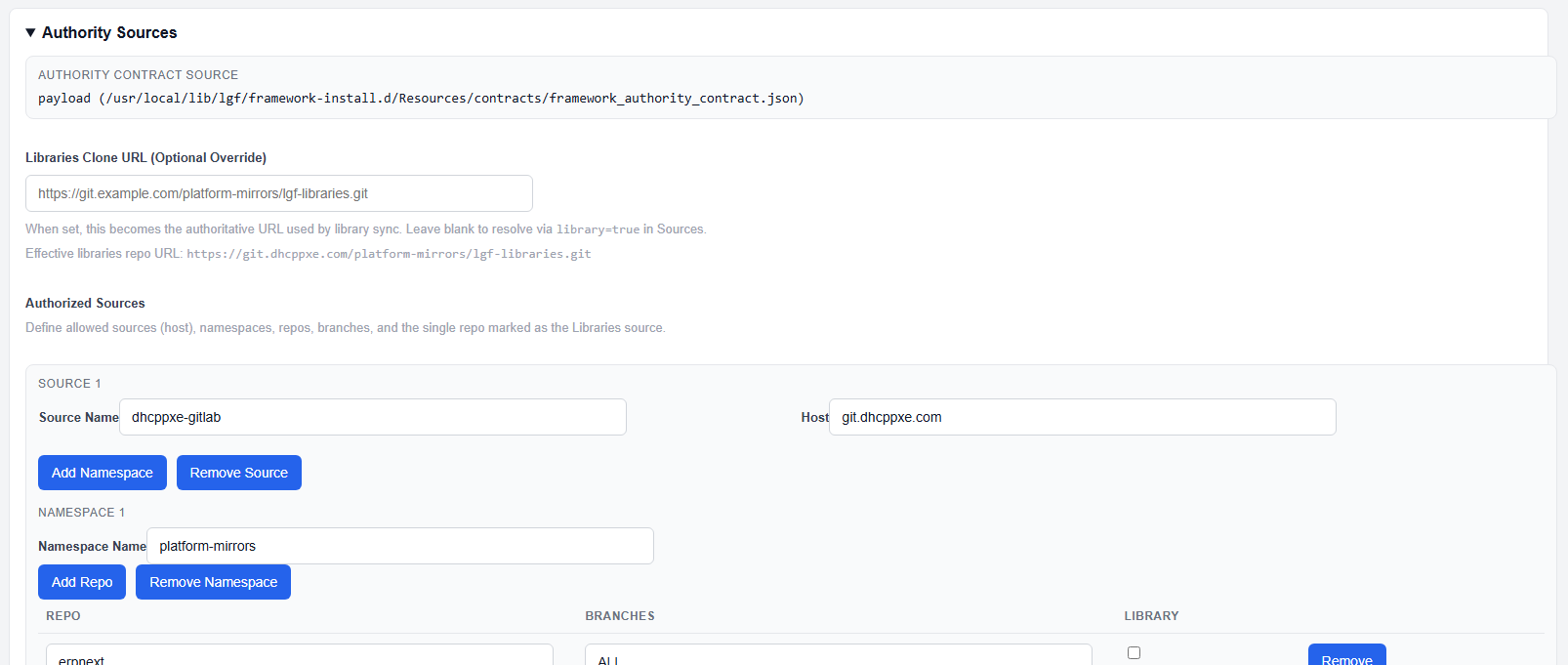
Authority Sources configuration
Authority Contract Source
This section shows the currently active authority contract and where it is loaded from.
- Payload: Default contract bundled with the framework
- Override: Custom configuration applied through the UI
Libraries Clone URL (Optional Override)
This field allows you to override the library repository URL used during library sync.
- If set, this URL becomes the authoritative source for libraries
- If left blank, LGF resolves the library source from the configured sources below
Authorized Sources
Authorized Sources define where LGF is allowed to retrieve repositories from.
Source Configuration
- Source Name: Identifier for the source
- Host: Repository host (e.g., git server)
Namespace Configuration
- Namespace Name: Logical grouping of repositories
Repository Configuration
- Repo: Repository name
- Branches: Allowed branches (or ALL)
- Library: Marks the repository as the library source
Only one repository should be marked as the library source.
Managing Sources
- Add Source: Add a new repository host
- Add Namespace: Add a namespace under a source
- Add Repo: Add a repository to a namespace
- Remove: Remove sources, namespaces, or repositories
Saving Configuration
- Modify sources, namespaces, or repositories as needed
- Click Save Authority Settings
Additional MSP Keys
This section allows additional authentication keys to be configured for accessing repositories.
- Add New Key (ID): Identifier for the key
- Add New Key (Value): Credential value
- Clear All Additional Keys: Removes stored keys
Keys are referenced by repositories as needed.
Expected Result
- Only configured sources are used for framework and library operations
- Library sync resolves against the designated library repository
- Unauthorized sources are not used
Important Notes
- Authority Sources define the trust boundary for LGF
- Incorrect configuration may prevent updates or library sync
- Only one repository should be marked as the library source